Qualified Supplier Lookup Tool
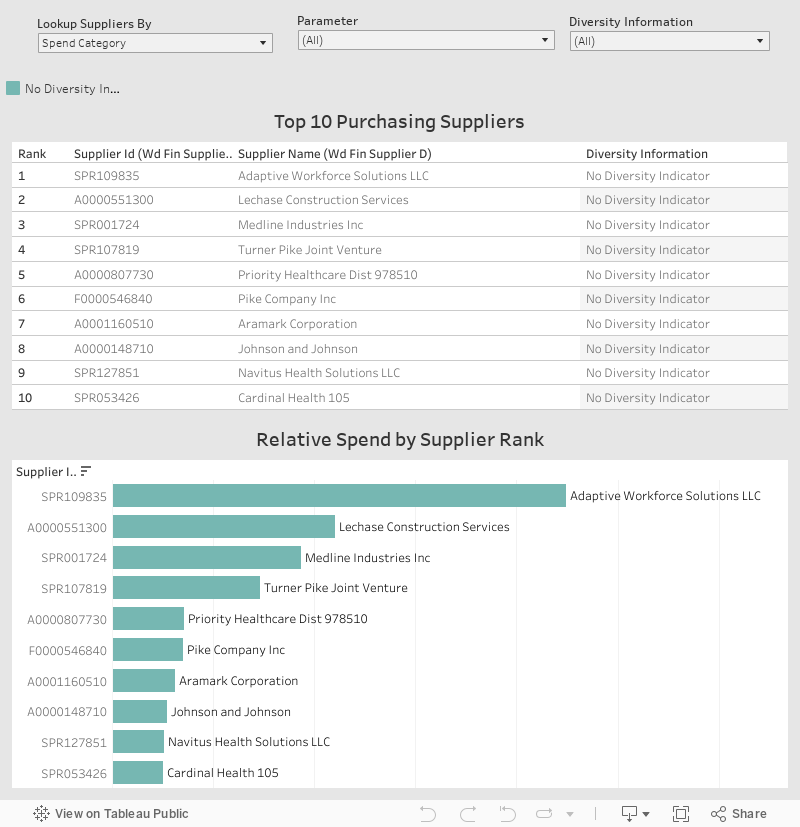
Use the Supplier Lookup Tool below to search for the Top 10 Qualified Suppliers based on Spend Category, Commodity, or Diversity designation.聽 You can create a purchase requisition immediately when you use an existing Qualified Supplier. Corporate Purchasing recommends that you use an existing Qualified Supplier to help maximize cost containment and savings.
聽 聽 聽 聽
How to search for Qualified Suppliers?
- Set your search filter using the ‘Lookup Suppliers By’ dropdown menu.聽 You can search by Workday Commodity, Spend Category, or Supplier Name.
- Click in the middle dropdown called ‘Parameter’.聽 This will bring up a large list, but it also includes a search function. Deselect the ‘All’ option before searching.聽 You can type in a keyword or phrase to search through the list options (e.g. Beverage).聽 You can also type a partial word to search.
- Check off the parameter(s) that you want to filter. Click ‘Apply’ to save your selection.
- If you do not return any results, click in the ‘Diversity Information’ filter and select ‘All’. Click ‘Apply’ to save your selection.
If you are not able to find a supplier that fits your needs, please contact the Procurement Service Center for assistance.